
Hotels With Pools in Gyor-Moson-Sopron, Hungary
Enter your dates for the latest hotel rates and availability.
Scroll down to see hotels
Filter by:
Hotel Star Rating
≤2345
Guest Rating
Amazing 9+Great 8+Good 7+Pleasant 6+Top Hotels With Pools - Gyor-Moson-Sopron
Choose your travel dates to see the latest prices
Most Booked
Lowest price
Closest to downtown
Highest Rated
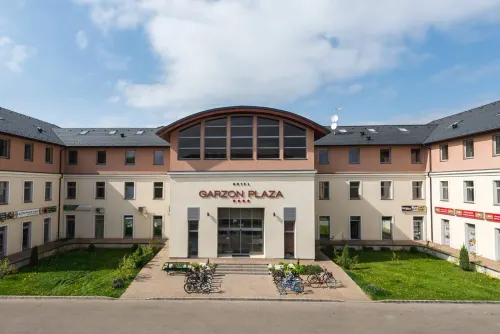
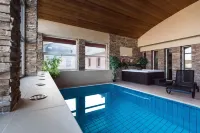
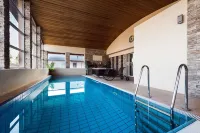

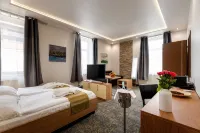

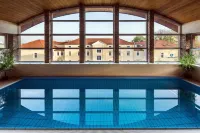
99+
Very Good
39 reviews
8.4/10
1 night
From SGD 77
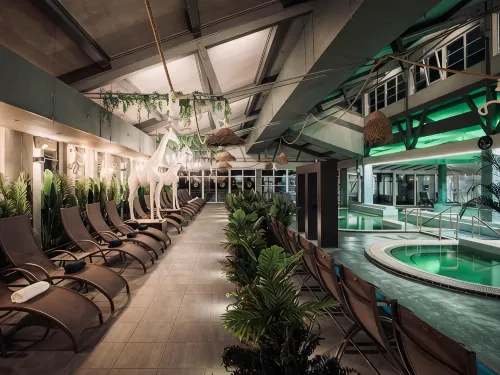
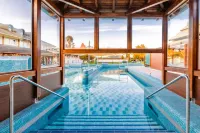
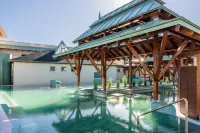
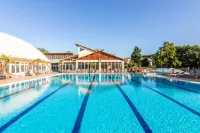
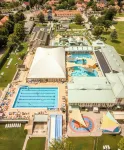
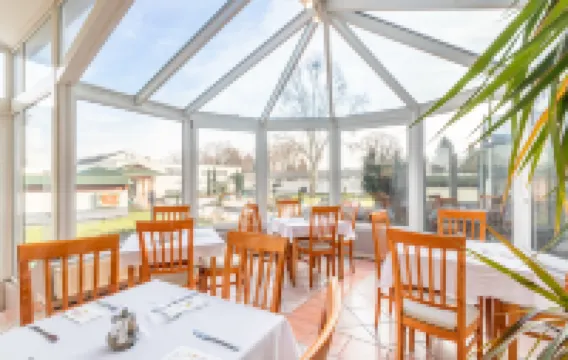

21
Hotels in Mosonmagyarovar
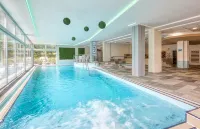
Featured facilities: Swimming Pool, Spa, Sauna
Very Good
4 reviews
8.5/10
1 night
From SGD 144
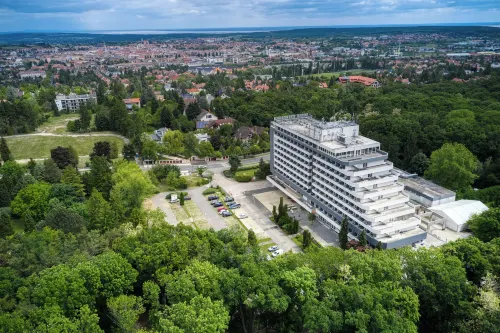


64
Good
18 reviews
7.7/10
1 night
From SGD 220

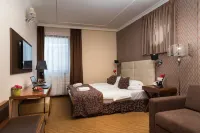

79
Good
15 reviews
7.9/10
1 night
From SGD 109
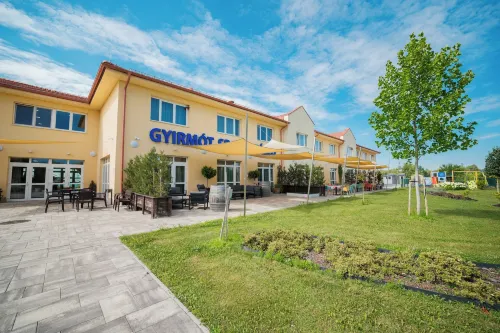
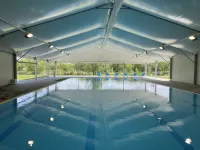


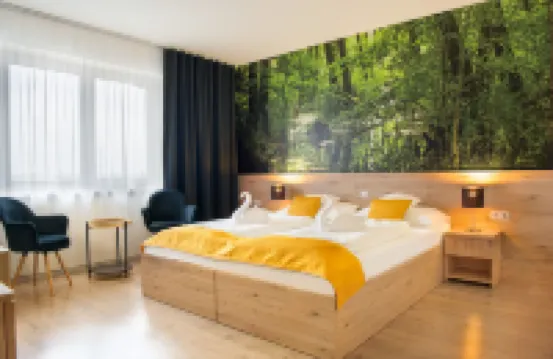
68
Very Good
21 reviews
8.8/10
1 night
From SGD 101
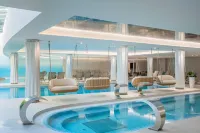

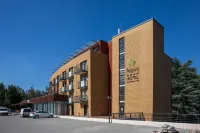
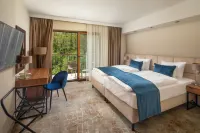
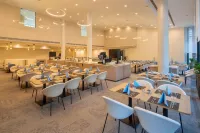
35
Great
14 reviews
9.0/10




55
Great
2 reviews
9.1/10
1 night
From SGD 118

25
Check Availability


24
Check Availability
Travelers Reviews of Gyor-Moson-Sopron Hotels
See all
Thermal Hotel Mosonmagyarovar
8.5/10
Very Good
Posted on Aug 24, 2026|Double Or Twin Room
Anonymous User
The private time in Sauna & Jacuzzi was excellent only the three of us. And special thanks to the person at the reception desk at the time of our check in, i forgot his name he was very helpful and friendly all of the staff specially at the reception.
Price per night from:SGD 144
Gyirmót Sport & Wellness Hotel
8.8/10
Very Good
Posted on Jun 26, 2025
R. Akiva Katz
As a traveler who loves to swim, this was an excellent choice. As business traveler, the most important is the relaxation. The staff was friendly and attentive!
Price per night from:SGD 101
Hotel Garzon Plaza
8.4/10
Very Good
Posted on Nov 26, 2023
Liuliudadahuanglaoxie
This hotel should be said to be good. First of all, the location is good. There are many supermarkets and a mall around. ** It is within walking distance, far from the bustling area of the city center but there is food, drink and fun. The hotel has a swimming pool, gym and sauna, and I feel that there are not many people to try. I can't remember what I'm eating for breakfast.
Price per night from:SGD 77
Golden Ball Club
7.9/10
Good
Posted on Aug 19, 2025
Sunny_Siva
The room is very well equipped for Hungary and also offers a good spa area with pool. Furthermore, it is close to the center and offers free parking. Otherwise all parking spaces in this area are free.
Price per night from:SGD 109
Frequently Asked Questions
How do I book a hotel on Trip.com?
To book a hotel on Trip.com, simply enter your destination, travel dates, and the number of guests on the page. Then, browse through the available hotels and select the one you want to book. Follow the prompts to enter your payment information and complete the booking.
How do I get hotel deals on Trip.com?
There are several ways to find affordable hotels on Trip.com. You can narrow down your search results by filtering hotels according to your preferred price range, or you can sort the results by price to view the cheapest options first.
Where can I find hotel deals on Trip.com?
Trip.com offers a wide variety of hotel deals and promotions that are available throughout the year. You can easily find these special offers on our deals page. What's more, if you are a member of our loyalty program, you can sign in to your account and discover exclusive discounted rates at hotel list pages.
How can I get lower prices for hotels?
Sometimes booking hotels midweek is cheaper, but it also depends on the season.
How many hotels are listed on Trip.com?
You’ll find over 1,500,000 hotels in 230+ countries and regions on Trip.com. Can’t decide which hotel to book? Browse the site for inspiration!
Can I cancel or change my hotel bookings on Trip.com?
It depends on the hotel policy and date of cancellation. Please check the policy section of the related hotel pages. To cancel or change your bookings, sign in to your Trip.com account, go to "My Bookings", and follow the instructions.
How do I contact Trip.com customer support?
You can contact Trip.com's 24/7 customer support by visiting the Help Center on Trip.com and submitting a request. You can also contact us by phone or service chat, depending on your location.
Property Information for Tourists
| Total properties | 9 |
|---|---|
| Number of reviews | 148 |
| Weekday Avg. Price | SGD 208 |
| Weekend Avg. Price | SGD 211 |