
Hotels With spa in Fife, United Kingdom
Enter your dates for the latest hotel rates and availability.
Scroll down to see hotels
Filter by:
Hotel Star Rating
≤2345
Guest Rating
Amazing 9+Great 8+Good 7+Pleasant 6+Top Hotels With spa - Fife
Choose your travel dates to see the latest prices
Most Booked
Lowest price
Closest to downtown
Highest Rated
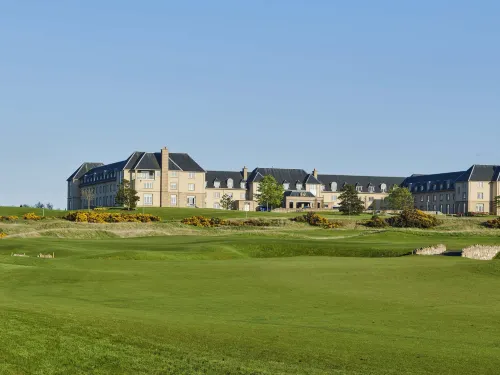
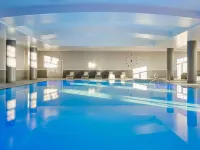
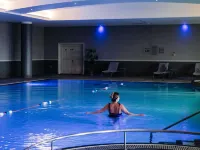

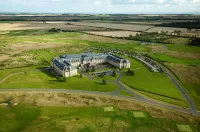


99+
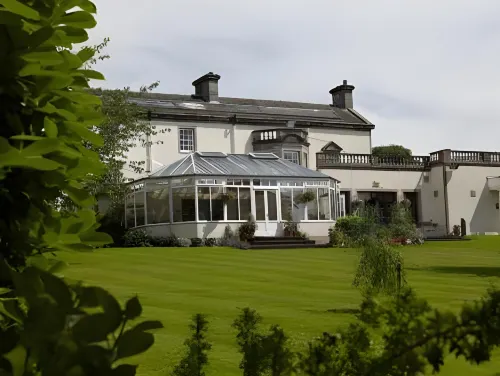
Hotels in St Andrews
Featured facilities: Full-Service Spa, Sauna, Massage Room
Great
119 reviews
9.1/10
1 night
From HK$1,797




99+
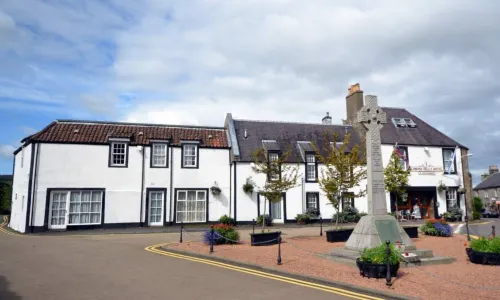
Hotels in Dunfermline
Featured facilities: Sauna, Massage Room
Good
119 reviews
7.7/10
1 night
From HK$485





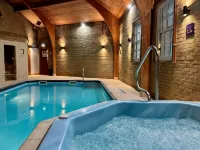
99+
101 reviews
7.5/10
1 night
From HK$484

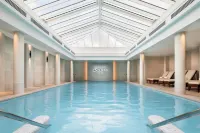


99+
Amazing
119 reviews
9.5/10
1 night
From HK$3,084
Travelers Reviews of Fife Hotels
See all
Keavil House Hotel Dunfermline by Sunday
7.7/10
Good
Posted on Apr 29, 2026
Guest User
Couldnt get proper sleep creeking roof, could hear guy sleeping above snoring and creecking noises when ever he moved. Manager needs to sleep in room 29 have someone sleep in the above room to experience this. Bad sound proofing even for a 2star hotel. Dont expect this from a 4star claiming hotel.
Stained carpets as well, room needs redecoration its tired
Price per night from:HK$485
Fairmont St Andrews - Scotland
9.1/10
Great
Posted on Sep 16, 2025
Christine Michelle
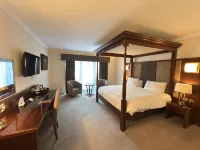
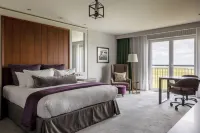
I really enjoyed my stay at this hotel. The atmosphere was peaceful and quiet, which made it perfect for rest. The rooms were surprisingly big, nicely furnished, and very comfortable. Everything felt well maintained and clean. Overall, a great place to relax and unwind. I’d definitely stay here again.
Price per night from:HK$1,797
Old Course Hotel St Andrews
9.5/10
Amazing
Posted on Sep 29, 2025
Guest User
Great, especially sitting in the breakfast restaurant and watching the stadium is picturesque. Highly recommended
Price per night from:HK$3,084
Lomond Hills Hotel & Health Club
7.5/10
Posted on Dec 28, 2025
Guest User
Very convenient and comfortable
Price per night from:HK$484
Frequently Asked Questions
How do I book a hotel on Trip.com?
To book a hotel on Trip.com, simply enter your destination, travel dates, and the number of guests on the page. Then, browse through the available hotels and select the one you want to book. Follow the prompts to enter your payment information and complete the booking.
How do I get hotel deals on Trip.com?
There are several ways to find affordable hotels on Trip.com. You can narrow down your search results by filtering hotels according to your preferred price range, or you can sort the results by price to view the cheapest options first.
Where can I find hotel deals on Trip.com?
Trip.com offers a wide variety of hotel deals and promotions that are available throughout the year. You can easily find these special offers on our deals page. What's more, if you are a member of our loyalty program, you can sign in to your account and discover exclusive discounted rates at hotel list pages.
How can I get lower prices for hotels?
Sometimes booking hotels midweek is cheaper, but it also depends on the season.
How many hotels are listed on Trip.com?
You’ll find over 1,500,000 hotels in 230+ countries and regions on Trip.com. Can’t decide which hotel to book? Browse the site for inspiration!
Can I cancel or change my hotel bookings on Trip.com?
It depends on the hotel policy and date of cancellation. Please check the policy section of the related hotel pages. To cancel or change your bookings, sign in to your Trip.com account, go to "My Bookings", and follow the instructions.
How do I contact Trip.com customer support?
You can contact Trip.com's 24/7 customer support by visiting the Help Center on Trip.com and submitting a request. You can also contact us by phone or service chat, depending on your location.
Property Information for Tourists
| Total properties | 4 |
|---|---|
| Number of reviews | 458 |
| Weekday Avg. Price | HK$2,579 |
| Weekend Avg. Price | HK$2,882 |