Product description
Signal coverage
Saudi Arabia: STC (5G) (preferred network)

Product description
Signal coverage
Saudi Arabia: STC (5G) (preferred network)
The eSIM will automatically adjust its IP address based on the applications you use.
Using TikTok or ChatGPT will automatically connect via a Singapore IP, while other applications will use a Hong Kong IP.
Network operators have optimized compatibility for TikTok, but cannot guarantee that related features will work properly on all devices. It is recommended to use devices that support newer technologies. Refund requests submitted due to device compatibility issues may not be accepted. (If you are unable to use TikTok, try closing it, clearing the cache for ten seconds, and then reopening it.)
Tap the link and enter the ICCID to check usage. After the daily package is used up, you can also use this link to activate the traffic for the next day in advance.
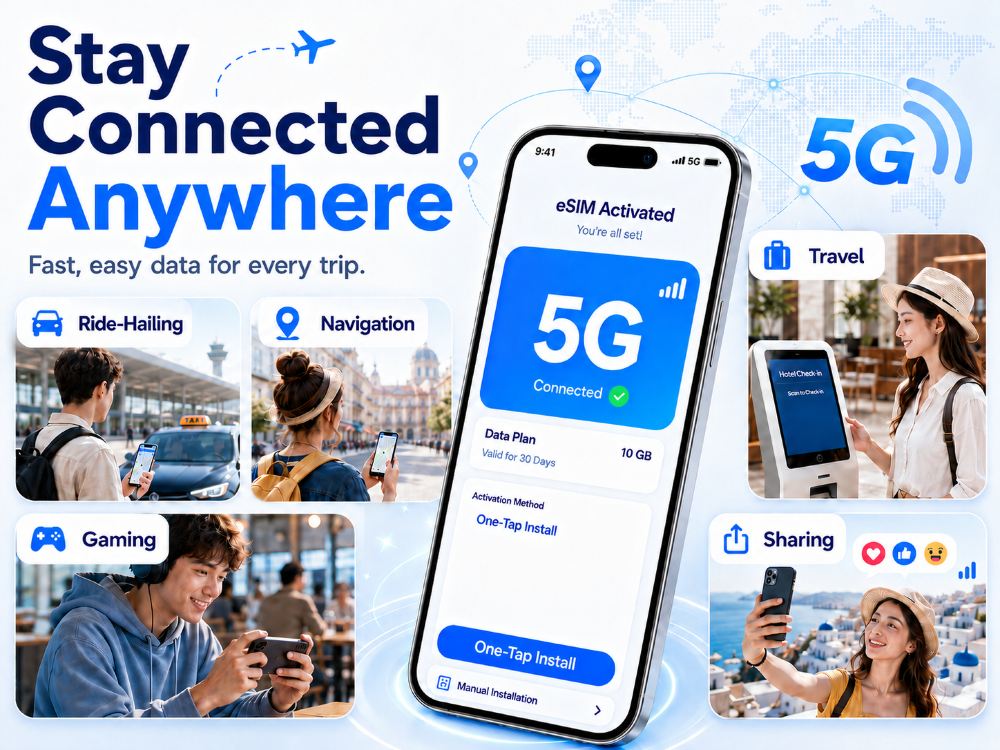


Ready to use immediately after purchase
The eSIM QR code will be delivered immediately after ordering and can be installed and activated anytime.
Enable data roaming
Please ensure the "Data roaming" option for eSIM is enabled.
[Troubleshooting]
If you cannot access the internet, please check:
1. Confirm that the eSIM is set as the default mobile data card
2. Confirm that data roaming is turned on
3. Turn off airplane mode after enabling
4. Manually switch to other supported carriers
5. Manually set the APN
[eSIM data usage]
Booking traffic inquiry link:https://globalesimstore.com/ETap the link and enter the ICCID to check usage.
After using up the daily package, you can also use this link to activate the traffic for the next day in advance.
[eSIM terms of use]
1. Device supports eSIM functionality
To check: Open your phone's dial pad and dial *#06#. If an EID is displayed, your device supports eSIM. If no EID appears, your device does not support eSIM.
The phone is not locked to a network
Check method: Confirm with your carrier whether your device is network-locked.
*Please check if the above conditions are met before purchase. The eSIM can only be used normally if all requirements are satisfied.
[Set up eSIM]
Installing eSIM requires an internet connection. Please ensure you're connected to a stable network during installation (some airport Wi-Fi may cause installation failures). If installed outside your destination country/region with data roaming enabled, it may result in eSIM failure or premature calculation of usage duration.
Disable domestic SIM card roaming
Before using eSIM, be sure to disable data roaming on your domestic SIM card to avoid high international roaming charges from using your domestic mobile data network. You are responsible for all related costs, including roaming fees, overseas SIM card/eSIM purchase expenses, and transportation fees, with no additional compensation provided.
[Internet coverage]
The actual signal strength, Internet speed, and 4G/5G service display may vary depending on your region, local carrier network coverage, device compatibility, as well as environmental factors such as terrain, building obstructions, and weather conditions.
Maintaining fair internet usage principles
To maintain internet connection quality and fair usage principles (Fair Usage Policy, FUP), telecom companies worldwide may occasionally implement traffic control measures for users who consume excessive data traffic within short periods, potentially resulting in connection failures or slower speeds. To ensure normal internet access, please avoid prolonged video streaming/downloading, software updates, hotspot sharing, or other high-traffic consumption activities.