
2-Star Hotels in Derbyshire, United Kingdom
Enter your dates for the latest hotel rates and availability.
Scroll down to see hotels
Filter by:
Hotel Star Rating
≤2345
Guest Rating
Amazing 9+Great 8+Good 7+Pleasant 6+Top 2-Star Hotels - Derbyshire
Choose your travel dates to see the latest prices
Most Booked
Lowest price
Closest to downtown
Highest Rated
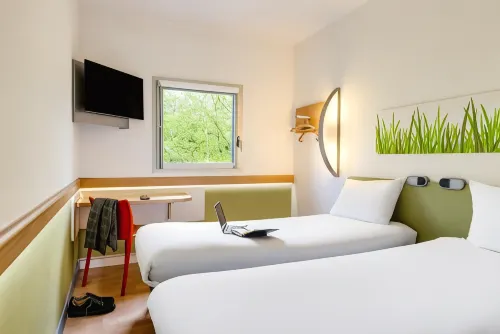
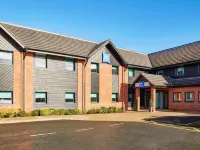
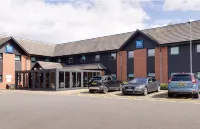

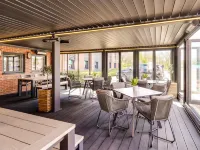
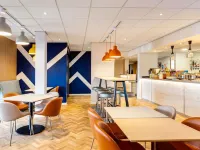
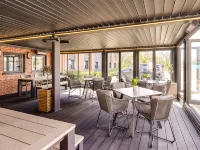
71
Hotels in South Derbyshire District
Featured facilities: Restaurant, Parking, Wi-Fi in Public Areas
Very Good
107 reviews
8.5/10
1 night
From PHP 2,410
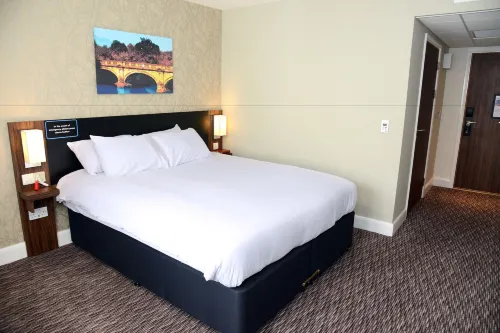
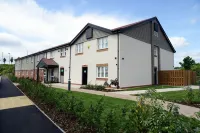
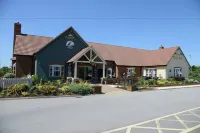
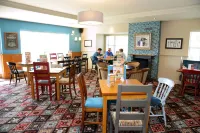
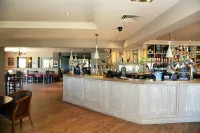

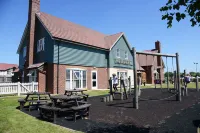
59
Hotels in Derby
Featured facilities: Children's Playground, Garden, Restaurant
Very Good
100 reviews
8.4/10
1 night
From PHP 3,478
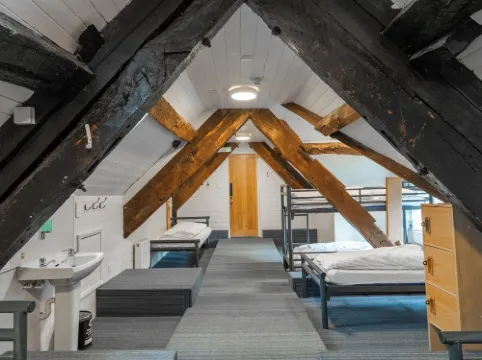
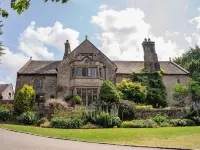
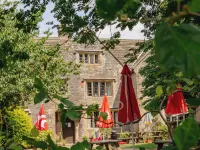
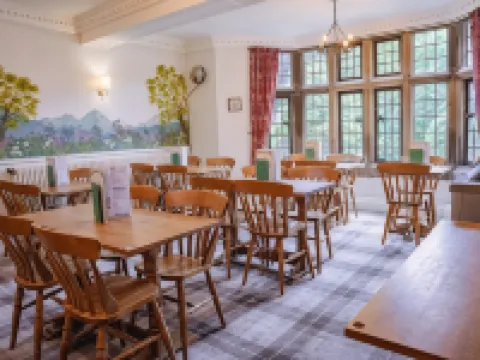
99+
Very Good
66 reviews
8.4/10
1 night
From PHP 1,200
23
Hotels in Derby
Featured facilities: Kitchen, Washing Machine, Garden
Outstanding
1 review
10/10
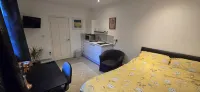
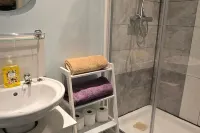
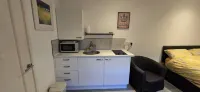
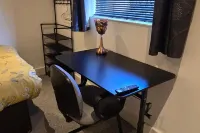
10
Very Good
1 review
8.0/10
1 night
From PHP 3,289
51
Great
10 reviews
9.1/10
1 night
From PHP 46,871


14
Hotels in Buxton
Featured facilities: Kitchen, Washing Machine, Refrigerator
Great
1 review
9.0/10
1 night
From PHP 9,348

27
Hotels in Matlock Town
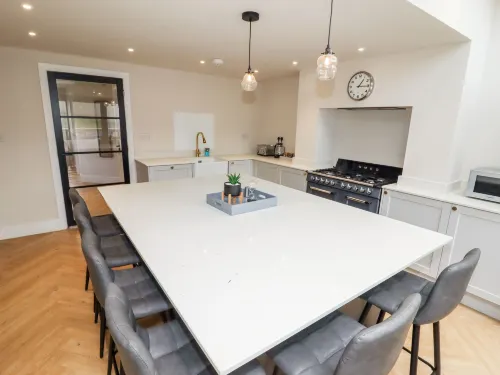
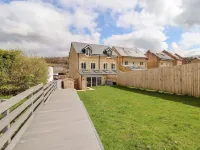
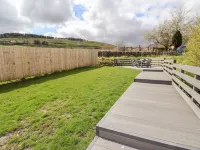
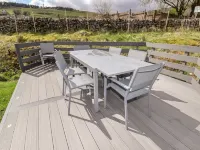
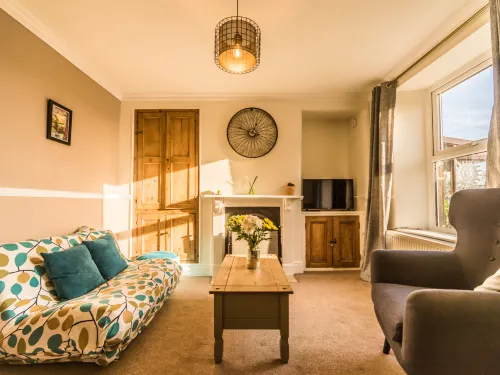
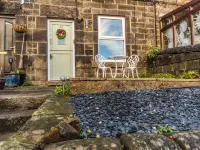
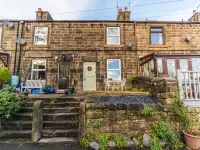
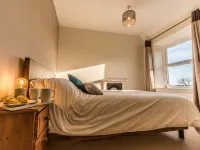
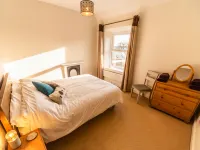
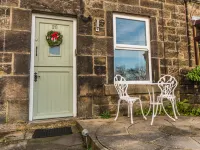
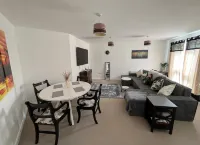
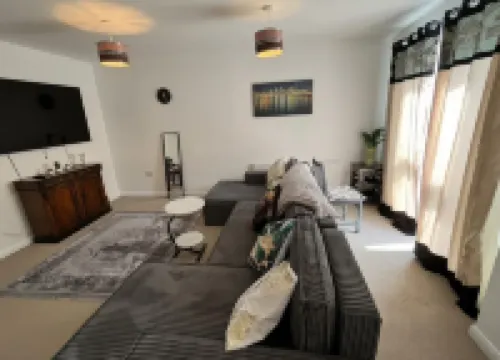
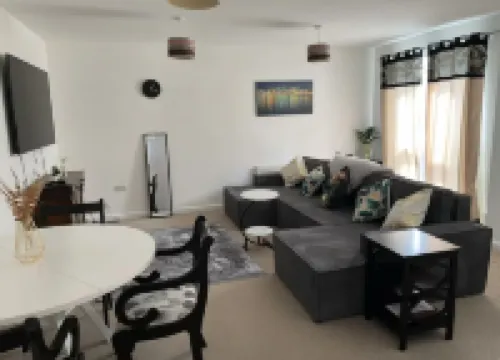
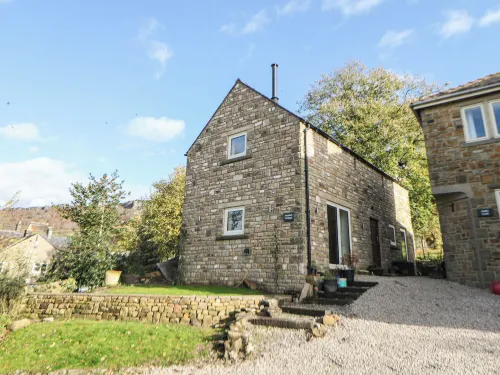
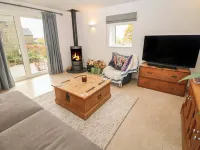
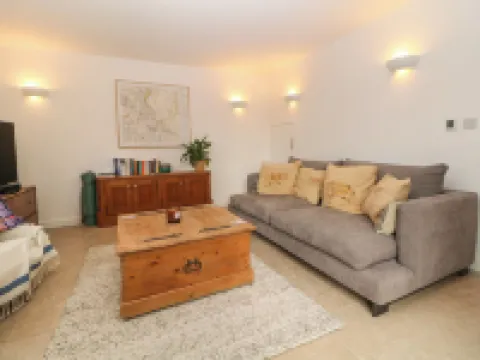
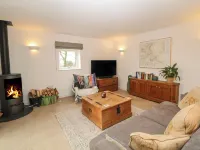
Matlock: Cottage. For shared use: property (fenced). Private: garden, public parking. Supermarket 1.5 km, railway station 1.2 km. "Tring-on-Tor", 3-room house 150 m2. Object suitable for 4 adults. Living room with open-hearth fireplace and TV. 1 room with 1 french bed. 1 room with 2 beds. Kitchen (oven, toaster, kettle, microwave, freezer). Bath/WC. Terrace. View of the mountains and the garden. Facilities: Internet (WiFi, free). Please note: non-smokers only. Smoke alarm.
Very Good
17 reviews
8.2/10
17
Hotels in Derby
Featured facilities: Kitchen, Washing Machine, Refrigerator
Amazing
3 reviews
9.5/10


27
Outstanding
3 reviews
10/10
1 night
From PHP 42,665
Travelers Reviews of Derbyshire Hotels
See all
Ibis Budget Derby
8.5/10
Very Good
Posted on Oct 13, 2025
Guest User
Staff brilliant. Value brilliant. Absolute bargain.
Hot Breakfast was average which was an extra tenner but it had a good selection of cereal, toast, yoghurt. Rooms were basic but in a good way. Everything you need for a cheap stay. Clean. Only small gripe was pillows weren’t the best so next time I’ll bring my own. Some may like the more flat pillows. Thanks IBIS derby.
Price per night from:PHP 2,410
YHA Hartington Hall
8.4/10
Very Good
Posted on Apr 18, 2024
Steve
The check in was easy and clear instructions were provided about the facilities. Clean room with comfortable bed. Unfortunately there was no WiFi in the room that I stayed in and no mobile phone coverage on Vodafone for calls or mobile data. WiFi was available in the main building which had a bar and restaurant. The price of the room was very good.
Price per night from:PHP 1,200
Blue Jay, Derby by Marston's Inns
8.4/10
Very Good
Posted on May 3, 2025
Aleksandraa0
Nice hotel
Price per night from:PHP 3,478
Frequently Asked Questions
How do I book a hotel on Trip.com?
To book a hotel on Trip.com, simply enter your destination, travel dates, and the number of guests on the page. Then, browse through the available hotels and select the one you want to book. Follow the prompts to enter your payment information and complete the booking.
How do I get hotel deals on Trip.com?
There are several ways to find affordable hotels on Trip.com. You can narrow down your search results by filtering hotels according to your preferred price range, or you can sort the results by price to view the cheapest options first.
Where can I find hotel deals on Trip.com?
Trip.com offers a wide variety of hotel deals and promotions that are available throughout the year. You can easily find these special offers on our deals page. What's more, if you are a member of our loyalty program, you can sign in to your account and discover exclusive discounted rates at hotel list pages.
How can I get lower prices for hotels?
Sometimes booking hotels midweek is cheaper, but it also depends on the season.
How many hotels are listed on Trip.com?
You’ll find over 1,500,000 hotels in 230+ countries and regions on Trip.com. Can’t decide which hotel to book? Browse the site for inspiration!
Can I cancel or change my hotel bookings on Trip.com?
It depends on the hotel policy and date of cancellation. Please check the policy section of the related hotel pages. To cancel or change your bookings, sign in to your Trip.com account, go to "My Bookings", and follow the instructions.
How do I contact Trip.com customer support?
You can contact Trip.com's 24/7 customer support by visiting the Help Center on Trip.com and submitting a request. You can also contact us by phone or service chat, depending on your location.
Property Information for Tourists
| Total properties | 34 |
|---|---|
| Number of reviews | 482 |
| Highest price | PHP 111,824 |
| Lowest price | PHP 2,457 |
| Weekend Avg. Price | PHP 16,668 |
| Weekday Avg. Price | PHP 15,948 |