
Pet friendly Hotels in Viseu District, Portugal
Enter your dates for the latest hotel rates and availability.
Scroll down to see hotels
Filter by:
Hotel Star Rating
≤2345
Guest Rating
Amazing 9+Great 8+Good 7+Pleasant 6+Top Pet friendly Hotels - Viseu District
Choose your travel dates to see the latest prices
Most Booked
Lowest price
Closest to downtown
Highest Rated




99+
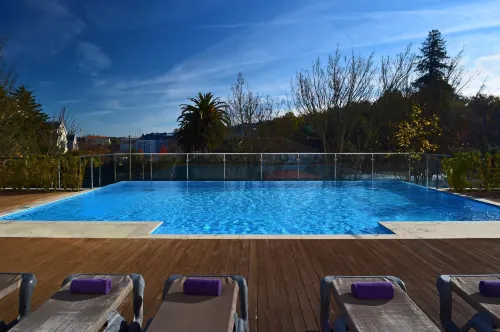
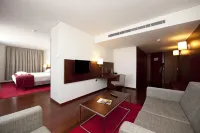
Hotels in Viseu
Pets allowed (must be requested in advance)
Types of pets allowed: dogs
Fee: CAD47.37 per pet per night
Great
118 reviews
9.3/10
1 night
From CAD 120






99+
Hotels in Samodaes
Pets allowed (must be requested in advance)
Types of pets allowed: dogs
Fee: Free
Amazing
51 reviews
9.5/10
1 night
From CAD 2,298


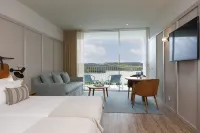



99+
Hotels in Almaca
Pets allowed (must be requested in advance)
Fee: Please contact the hotel for details
Very Good
58 reviews
8.6/10
1 night
From CAD 140
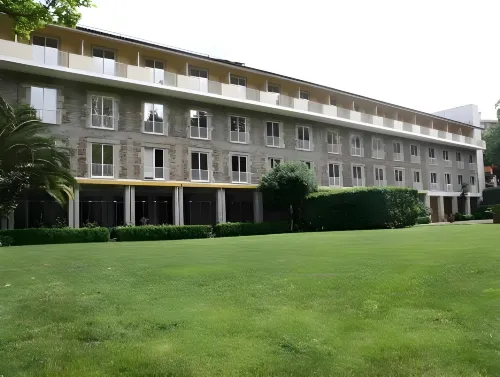

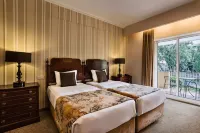


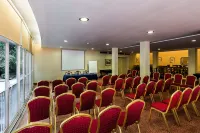
99+
Hotels in Viseu
Pets allowed (must be requested in advance)
Fee: Please contact the hotel for details
Very Good
93 reviews
8.8/10
1 night
From CAD 129







93
Hotels in Valdigem
Pets allowed (must be requested in advance)
Fee: Please contact the hotel for details
Good
107 reviews
7.9/10
1 night
From CAD 175



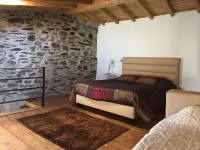
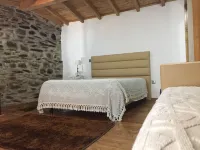

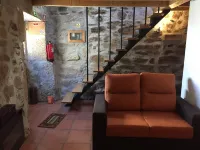
54
Hotels in Barcos
Pets allowed (must be requested in advance)
Fee: Please contact the hotel for details
Very Good
77 reviews
8.9/10
1 night
From CAD 87


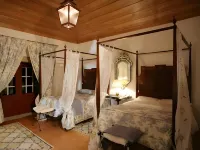
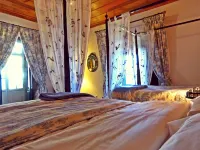

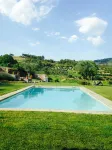
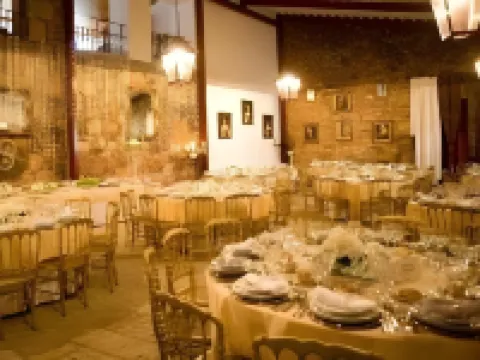
89
Hotels in Varzea de Abrunhais
Pets allowed
Fee: CAD31.58 per pet per night
Very Good
43 reviews
8.5/10
1 night
From CAD 197
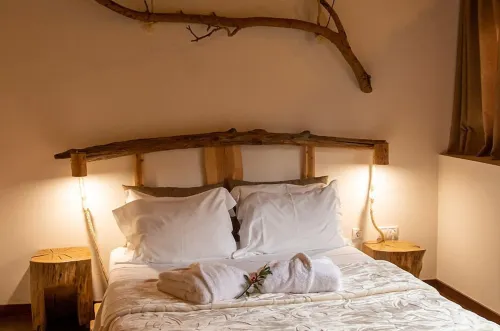




81
Hotels in Gouviaes
Pets allowed (must be requested in advance)
Fee: Free
Great
537 reviews
9.1/10
1 night
From CAD 169
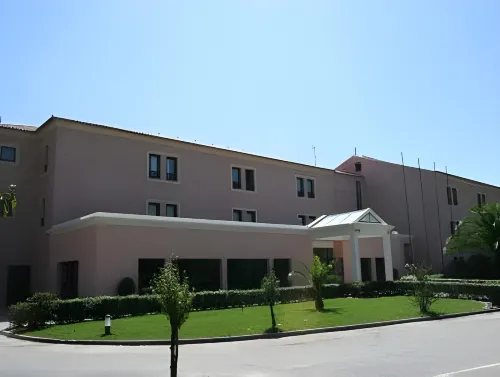



40
Hotels in Viseu
Pets allowed (must be requested in advance)
Fee: Please contact the hotel for details
Good
23 reviews
7.7/10
1 night
From CAD 79
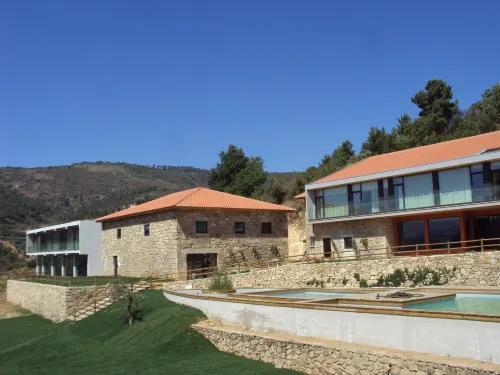


70
Hotels in Ucanha
Pets allowed (must be requested in advance)
Fee: Please contact the hotel for details
Very Good
34 reviews
8.5/10
1 night
From CAD 160
Travelers Reviews of Viseu District Hotels
See all
Quinta Alto Do Rio
9,1/10
Great
Posted on May 10, 2026
 Guest User
Alojamento muito bom, ambiente muito sereno e relaxante e com uma vista espetacular para o rio Douro.
Price per night from:CAD 199
Quinta Dos Padres Santos, Agroturismo & Spa
9,1/10
Great
Posted on Feb 17, 2025
Guest User
The room is beautiful and very pleasant! Ideal for couples or family visits. The care is spectacular and people's sympathy is amazing. I recommend much!
Price per night from:CAD 169
Frequently Asked Questions
How do I book a hotel on Trip.com?
To book a hotel on Trip.com, simply enter your destination, travel dates, and the number of guests on the page. Then, browse through the available hotels and select the one you want to book. Follow the prompts to enter your payment information and complete the booking.
How do I get hotel deals on Trip.com?
There are several ways to find affordable hotels on Trip.com. You can narrow down your search results by filtering hotels according to your preferred price range, or you can sort the results by price to view the cheapest options first.
Where can I find hotel deals on Trip.com?
Trip.com offers a wide variety of hotel deals and promotions that are available throughout the year. You can easily find these special offers on our deals page. What's more, if you are a member of our loyalty program, you can sign in to your account and discover exclusive discounted rates at hotel list pages.
How can I get lower prices for hotels?
Sometimes booking hotels midweek is cheaper, but it also depends on the season.
How many hotels are listed on Trip.com?
You’ll find over 1,500,000 hotels in 230+ countries and regions on Trip.com. Can’t decide which hotel to book? Browse the site for inspiration!
Can I cancel or change my hotel bookings on Trip.com?
It depends on the hotel policy and date of cancellation. Please check the policy section of the related hotel pages. To cancel or change your bookings, sign in to your Trip.com account, go to "My Bookings", and follow the instructions.
How do I contact Trip.com customer support?
You can contact Trip.com's 24/7 customer support by visiting the Help Center on Trip.com and submitting a request. You can also contact us by phone or service chat, depending on your location.
Property Information for Tourists
| Total properties | 22 |
|---|---|
| Number of reviews | 55 |
| Weekday Avg. Price | CAD 238 |
| Weekend Avg. Price | CAD 264 |