Understanding the Trip.com Booking Fee: A Complete Guide

By Trip.com
June 29, 2026
In this guide, we’ll break down what the Trip.com booking fee is, how much it costs, why Trip.com charges it, and how to reduce or avoid paying more than necessary.
Osaka
Seoul
Shanghai
Bangkok
See all flights


What Is the Trip.com Booking Fee?
A booking fee is an extra charge that Trip.com may ask you to pay when you book a travel service. This is separate from the base price of the travel service itself. For example, if you book a flight ticket or a hotel room, the booking fee is added to the basic price. You need to pay both the basic price and the booking fee.
This fee is different from airline taxes, hotel taxes, or government charges, and it is collected by Trip.com, not the airline or hotel. The Trip.com booking fee (also known as Trip.com service fee) is a platform charge added to your total booking cost.
| What the Trip.com Booking Fee Covers | Details |
|---|---|
Reservation Processing | Trip.com will handle and confirm your flight, hotel or activity bookings to make sure your reservation is successful and correct. |
Payment Handling | Trip.com will help you pay safely and convert different currencies, so you can pay easily when you book travel services in other country. |
Customer Service Support | You can get help from Trip.com before and after booking. They will answer any questions about booking services and help you solve problems after you book. |
Ticket Issuance & Management | Trip.com will issue e-tickets ad update your bookings to help you manage your travel plans, so you can have easy access to trip info at your fingertips. |
Not all bookings have a separate service fee. Some special deals on Trip.com already includes the fee in the basic price, so you don’t need to pay extra for these bookings. Trip.com will show you clearly which bookings have an extra charge. You can check it carefully before you confirm your booking.
How Much Is the Trip.com Booking Fee?
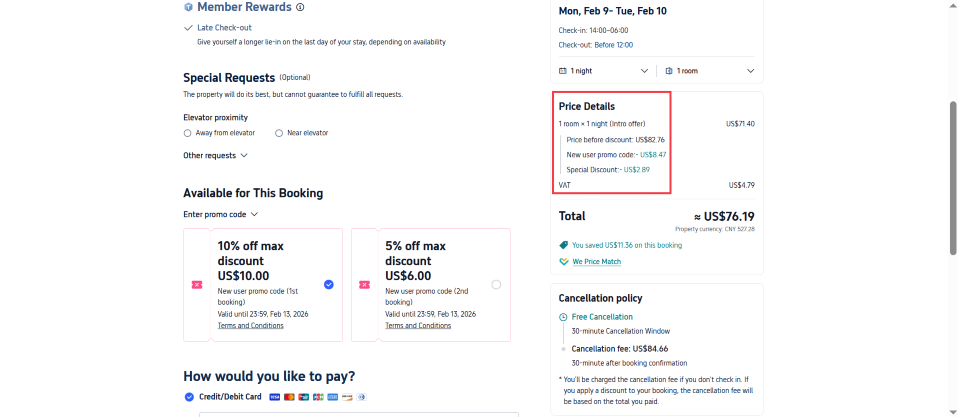
There is no fixed amount for the Trip.com service fee. When it’s charged, it’s a small part of the total booking cost, never a large chunk. The exact amount depend on some factors, such as what kind of booking you make and when you book it. In general:
- International bookings and last-minute bookings (booked within 72 hours of your travel) have a little higher fee. Because Trip.com need to do more work to process these bookings. For example, processing international bookings needs more steps, like converting currencies and confirming across different countries.
- Short-haul domestic bookings (flights, trains) have a lower portion fee—often a tiny fraction of the total price.
- For most hotel bookings, the service fee is included in the room price shown on Trip.com. You will not pay an extra fee when you check out.
- For flights and train tickets, if there is a service fee, it will be listed separately when you check out. You can see the exact amount easy. So you can know how much you need to pay for the fee clearly.
Stay Connected With Trip.com!
See all attractions
 659539 booked













Other Charges to Watch Out for on Trip.com
The service fee (if applicable) is the only charge from Trip.com. All other extra costs when you check out is from other parties, such as airlines, hotels or your credit card company. Trip.com cannot control these charges, but it will show them clearly for you. These third-party charges include:
- Credit card international transaction fees: While 1% is the floor, many cards charge up to 3%, and the average is around 3%. Your credit card company charges this fee for cross-border online payments, not Trip.com. If you book an international travel service and pay with a credit card, you may need to pay this fee
- Supplier add-on fees: Airlines may charge extra money if you choose a seat, check baggage, order in-flight meals or get priority boarding. Hotels may charge resort fees or fees for early check-in, late check-out and extra guests. These fees are set by the suppliers
- Change or cancellation fees: If you change or cancel your booking, the airline or hotel may charge you a fee. Sometimes, Trip.com may charge a small fee for helping you change or cancel the booking. But this fee is not charged for bookings with free cancellation or the Air Flexibility add-on
Why Trip.com Charges a Service Fee
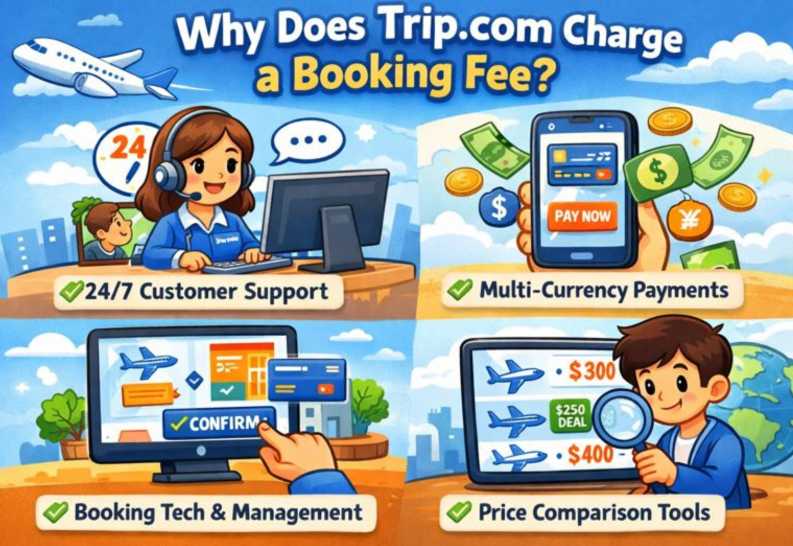
Trip.com charges a small service fee for some bookings. It use this fee to cover the cost of running its global travel platform and providing services for all users. Unlike airlines/hotels that only focus on their own products, Trip.com invests heavily on services for global travellers, including:
- A multi-currency payment system supporting 35 currencies for smooth cross-border bookings
- Real-time booking confirmation, itinerary synchronization and fraud protection for global transactions
- 24/7 multilingual customer service (app/website/phone) for flights, hotels, trains, and car rentals, covering all major travel destinations
- Free loyalty programs (Trip Coins), permanent global promotions and free cancellation options for most bookings
- Official merchant mediation and after-sales support for booking disputes or supplier-related issues
Without this small service fee, Trip.com would not be able to maintain these free/paid services or offer competitive base prices for global travel products.
Tips to Reduce or Avoid Trip.com Service Fees
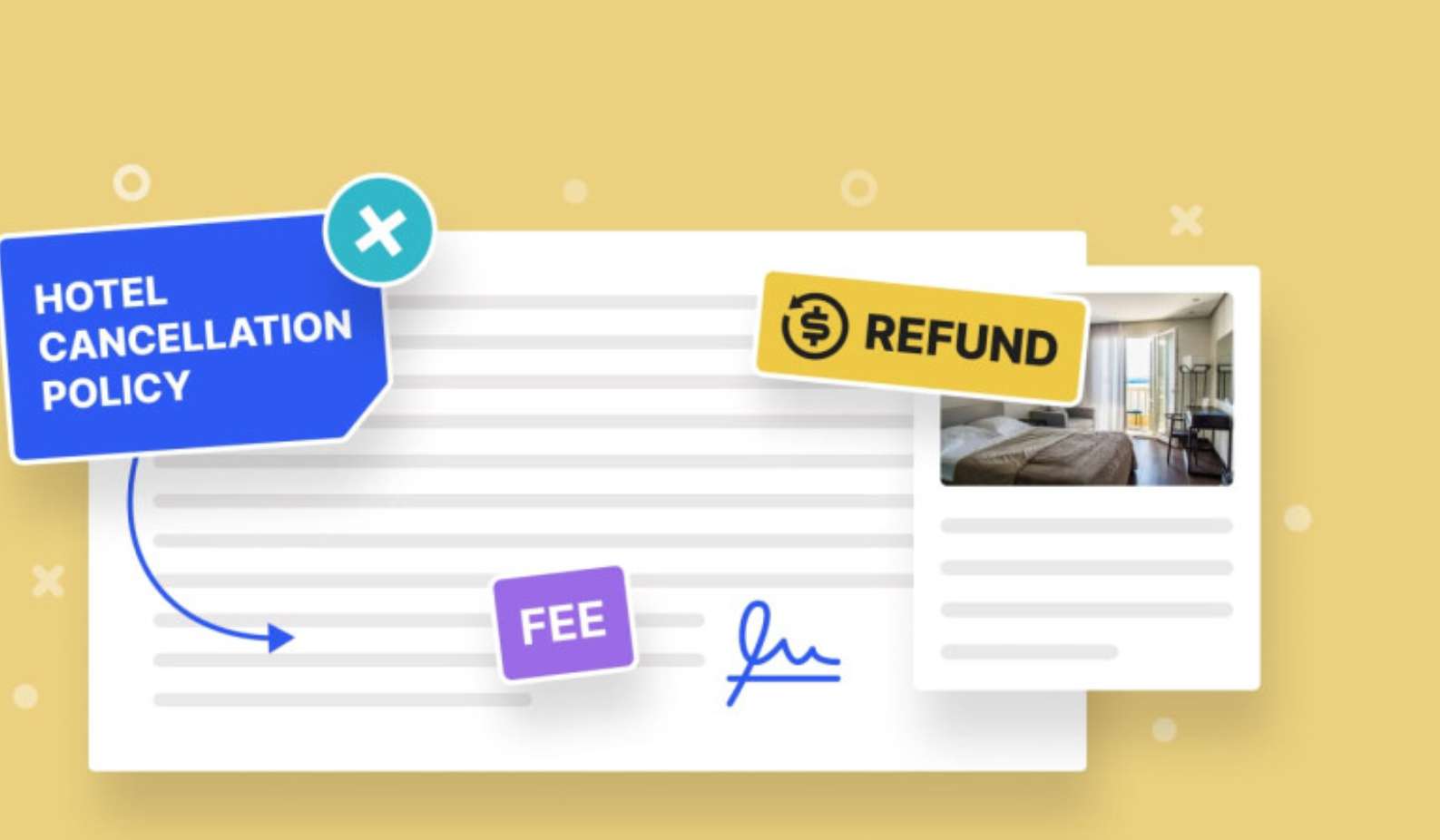
Here are some tips to help you pay less or avoid/waive the service fee. These tips are based on Trip.com’s official rules.
- Book via the Trip.com App: The Trip.com App have special daily deals for some flights, hotels and activities. The service fee is fully waived for these deals. You can download the Trip.com App and check the deals every day.
- Choose Free Cancellation Bookings: Most bookings marked with the Free Cancellation tag have no service fee or a lower fee than non-refundable bookings, and allow you to change or cancel your booking for free within 24/48 hours of booking.
- Use Credit Cards with no International Transaction Fees: Avoid the 1–3% international transaction fee from your card issuer by using a travel credit card with no cross-border payment fees; many such cards also offer cashback on travel bookings to offset applicable fees.
- Book in Advance: Last-minute bookings (within 72 hours of travel) have a slightly higher service fee. If you book at least 7 days before your travel, you can get the lowest fee (if there is any).
- Pay with Trip Coins: You can earn Trip Coins from all your bookings, writing reviews and sharing travel content on Trip Moments. You can use these coins to reduce the total booking cost, including the service fee. There is no minimum amount for using the coins.
- Discount Codes and Special Offers: Keep yourself informed about coupon codes for main travel products, as they are applied automatically when you check out (you don’t need to take any extra steps to claim them). These special offers can effectively cover any service fee that you need to pay, and in most situation, the money you save is more than the fee itself, which make the final total booking cost more favorable.
Trip.com App Customer Support
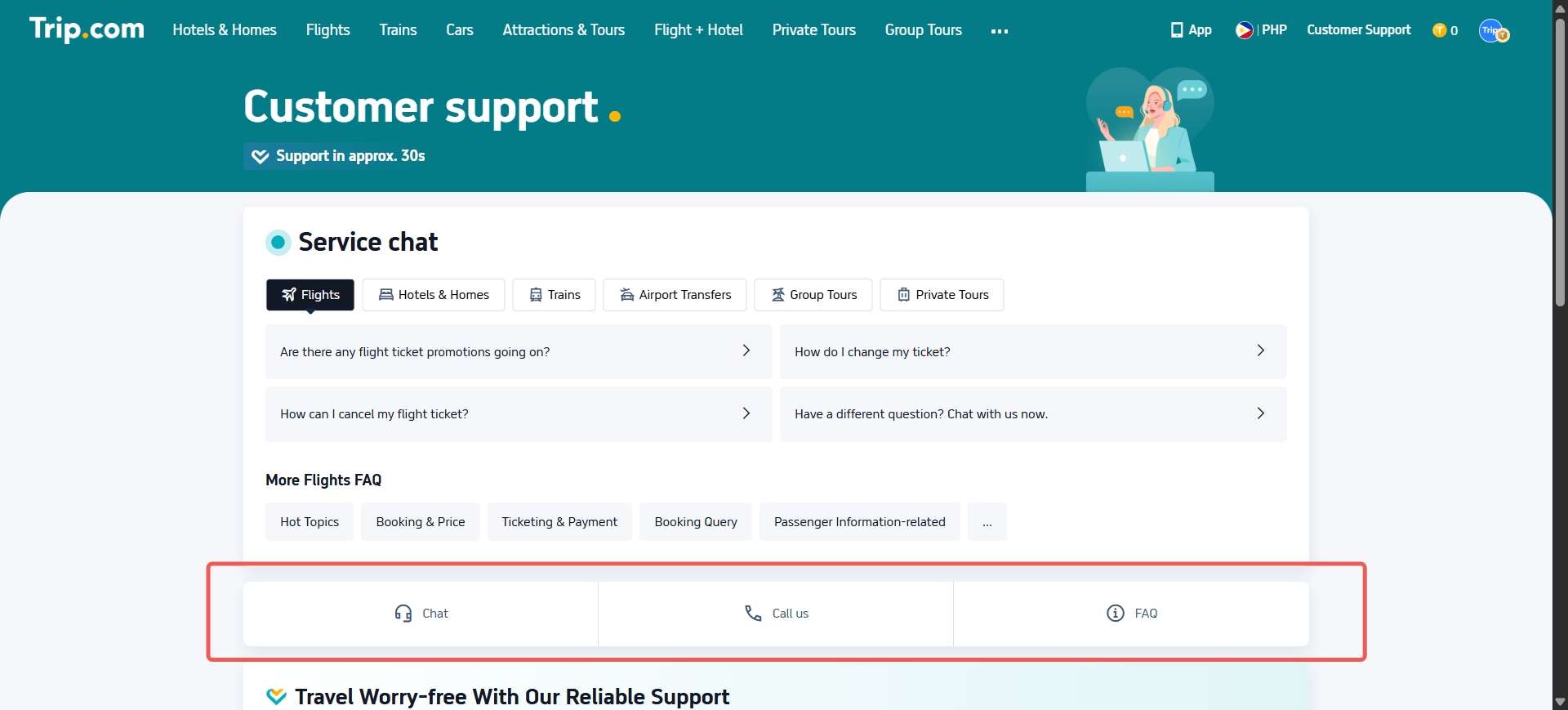
If you have trouble with your booking at anytime, don't hesitate to the Trip.com customer service chat or phone the Trip.com customer service number immediately.
✅ 24-Hour All-Day Service
✅ Multilingual Service (English, Chinese, Korean, Japanese, etc.)
| Support Type | How to Access via App |
|---|---|
Live Chat | Go to “My Bookings” → “Contact Customer Service” → “Live Chat” |
Phone Support | Tap “Call Support” to reach your local hotline |
Discounted Global Top Hotel Selection
See All Hotels









Trip.com Booking Fee FAQs
-
Does Trip.com have a processing fee?
-
Can you decline to pay resort fees?
-
Is it cheaper if you book directly with the hotel?
Disclaimer: This article has been provided by an individual contributor or third party platform. If there is any discrepancy regarding the copyright, please contact us directly and we will delete the content immediately.
Trending Searches
-
Trip.com links
-
eSIM/SIM card
-
Air travel guide
- Trip.com Cancellation Policy
- Trip Coins
- Trip.com VIP Lounge Access
- Trip.com Flight Change
- Trip.com E-Receipt
- Trip.com Flight Cancellation Policy
- Trip.com Customer Service
- Trip.com Phone Number
- Trip.com Membership
- Trip.com Change Passport
- Trip.com Ticket Issued Status
- Trip.com Flight Ticket
- Trip.com Baggage Allowance
- Trip.com App
- Trip.com Booking Fee
- Trip.com Booking Change
- Trip.com Call Center
- Air Flexibility
- Trip.com Price Match
- Trip.com Pay Installments