
Resorts in Anda
Enter your dates for the latest hotel rates and availability.
Scroll down to see hotels
Filter by:
Hotel Star Rating
≤2345
Guest Rating
Amazing 9+Great 8+Good 7+Pleasant 6+We found 8 Resorts in Anda for you
Choose your travel dates to see the latest prices and deals.
Most Booked
Lowest price
Closest to downtown
Highest Rated










99+
Hotels in Anda
Amazing
76 reviews
9.7/10
1 night
From AED 459





79
Hotels in Anda
Very Good
41 reviews
8.9/10
1 night
From AED 204
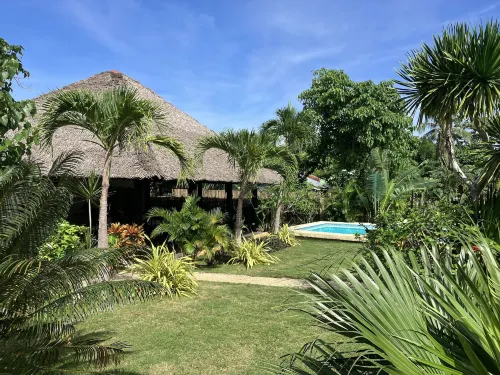



82
Hotels in Anda
Very Good
24 reviews
8.7/10
1 night
From AED 137







99+
Hotels in Anda
Very Good
36 reviews
8.9/10
1 night
From AED 280
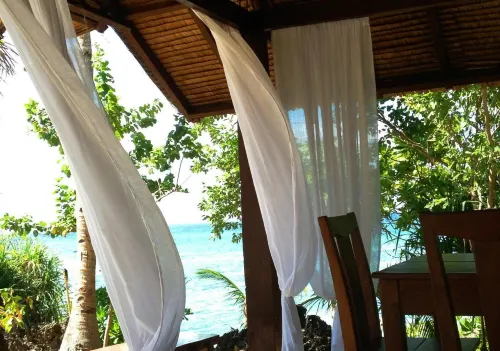



Frequently Asked Questions
How do I book a hotel on Trip.com?
To book a hotel on Trip.com, simply enter your destination, travel dates, and the number of guests on the page. Then, browse through the available hotels and select the one you want to book. Follow the prompts to enter your payment information and complete the booking.
How do I get hotel deals on Trip.com?
There are several ways to find affordable hotels on Trip.com. You can narrow down your search results by filtering hotels according to your preferred price range, or you can sort the results by price to view the cheapest options first.
How can I get lower prices for hotels?
Sometimes booking hotels midweek is cheaper, but it also depends on the season.
How many hotels are listed on Trip.com?
You’ll find over 1,500,000 hotels in 230+ countries and regions on Trip.com. Can’t decide which hotel to book? Browse the site for inspiration!
Can I cancel or change my hotel bookings on Trip.com?
It depends on the hotel policy and date of cancellation. Please check the policy section of the related hotel pages. To cancel or change your bookings, sign in to your Trip.com account, go to "My Bookings", and follow the instructions.
How do I contact Trip.com customer support?
You can contact Trip.com's 24/7 customer support by visiting the Help Center on Trip.com and submitting a request. You can also contact us by phone or service chat, depending on your location.
Keep Exploring
Accommodation types
Beach Hotels in AndaHotels with Airport Shuttle in Anda2-Star Hotels in AndaHotels with Pools in AndaHotels with Wifi in AndaOcean View Hotels in AndaHotels with breakfast in AndaHotels with bar in AndaFamily Friendly Hotels in AndaHotels with balcony in Anda3-Star Hotels in AndaHotels with parking in Anda