Homestays in Stateline
Enter your dates to find Homestays in Stateline for a cozy, local feel.
Scroll down to see hotels
Filter by:
Hotel Star Rating
≤2345
Guest Rating
Amazing 9+Great 8+Good 7+Pleasant 6+Popular Homestays in Stateline
Find the right homestays in Stateline for you
Most Booked
Lowest price
Closest to downtown
Highest Rated
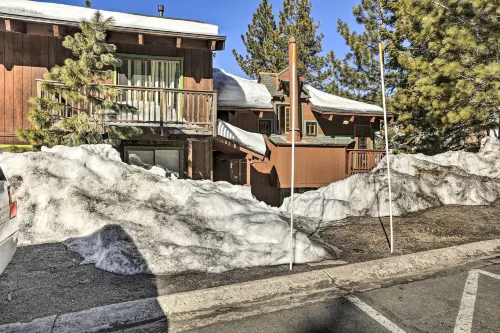
38
Hotels in Stateline
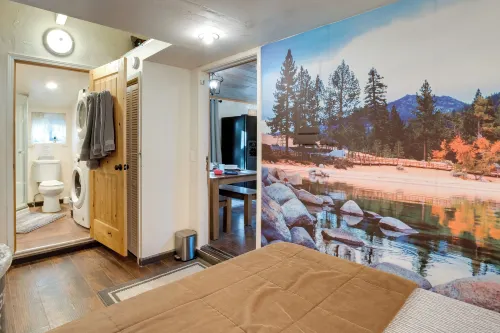
Featured facilities: Private Bathroom, Kitchen, Washing Machine
Outstanding
83 reviews
10/10
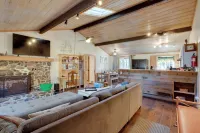
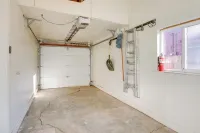
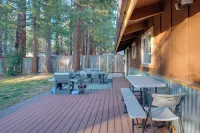
36
Hotels in Stateline
Featured facilities: Private Bathroom, Kitchen, Washing Machine
Outstanding
2 reviews
10/10
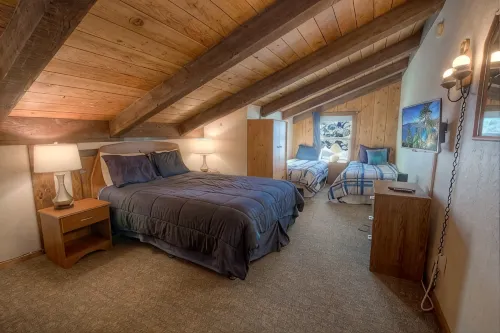


26
Hotels in Stateline
Featured facilities: Private Bathroom, Kitchen, Washing Machine
Outstanding
2 reviews
10/10
Hotels in Stateline
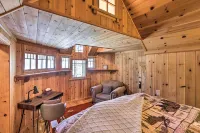
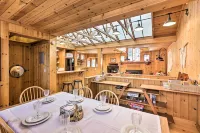
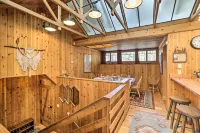
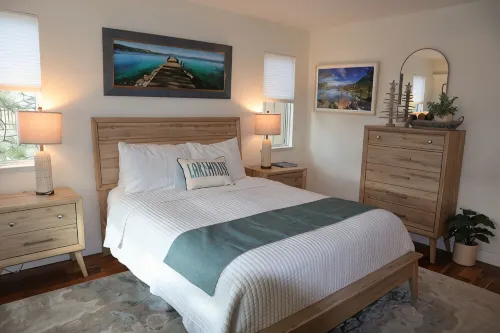
Discover serene peace by the lake at this captivating pristine three-bedroom vacation home in Zephyr Cove. Adventure never ends here. Soak up the sun by the community outdoor pool or unwind in the bubbling hot tub. Enjoy cozying up by the fireplace as you enjoy the smart TV with satellite/cable channels. Prepare delectable meals in the modern fully stocked gourmet kitchen, equipped with induction stove, microwave oven, refrigerator, outdoor grill, and more. Gather around the dining table and savor your creations, or step out onto the balcony and take in the breathtaking lake views. Venture out and explore the nearby top attractions, including the Casino at Harrah's Lake Tahoe and the Casino at Harvey's Lake Tahoe, both just a 5-minute drive away. For outdoor enthusiasts, the Heavenly Ski Resort is just a 10-minute drive from your doorstep. Back at the property, challenge your friends to a game of pool in the game room or enjoy the selection of games, music, and movies. Stay connected with the free WiFi, and keep your wardrobe fresh with the in-unit washer and dryer. With 3.5 bathrooms, air conditioning, and all the essential amenities, this vacation home offers the perfect blend of comfort and convenience for your Lake Tahoe getaway.About pets:No pets allowed.About checkOut:Check out before 10:00 AM.About children:Children allowed: ages 3-17.Not recommended for toddlers - open three story.About customRules:Not recommended for toddlers. There are open three story stairways, and no locks on cabinets..Douglas County VHR requirements:
Minimum age of 25 to rent a VHR in Douglas County
Renter must provide a copy of their Driver's License to the owner,Quiet hours are 9 PM to 8 AM
Maximum occupancy 6 persons, including children of any age
No extra guests allowed on the property during quiet hours..About checkIn:Check in after 5:00 PM.About smoking:Smoking is not permitted.About minBookingAge:Minimum age to rent: 30.About events:No events allowed.
Outstanding
52 reviews
10/10
Frequently Asked Questions
How do I book a hotel on Trip.com?
To book a hotel on Trip.com, simply enter your destination, travel dates, and the number of guests on the page. Then, browse through the available hotels and select the one you want to book. Follow the prompts to enter your payment information and complete the booking.
How do I get hotel deals on Trip.com?
There are several ways to find affordable hotels on Trip.com. You can narrow down your search results by filtering hotels according to your preferred price range, or you can sort the results by price to view the cheapest options first.
How can I get lower prices for hotels?
Sometimes booking hotels midweek is cheaper, but it also depends on the season.
How many hotels are listed on Trip.com?
You’ll find over 1,500,000 hotels in 230+ countries and regions on Trip.com. Can’t decide which hotel to book? Browse the site for inspiration!
Can I cancel or change my hotel bookings on Trip.com?
It depends on the hotel policy and date of cancellation. Please check the policy section of the related hotel pages. To cancel or change your bookings, sign in to your Trip.com account, go to "My Bookings", and follow the instructions.
How do I contact Trip.com customer support?
You can contact Trip.com's 24/7 customer support by visiting the Help Center on Trip.com and submitting a request. You can also contact us by phone or service chat, depending on your location.
Keep Exploring
Accommodation types
Hotels with Gym in StatelineHotels with Pools in StatelineFamily Friendly Hotels in StatelineHotels with Hot Tub in StatelineMountain view Hotels in StatelineHotels with parking in StatelineHotels with bar in StatelineStateline HomestaysBoutique Hotels in StatelineHotels with spa in StatelineHotels with balcony in StatelineHotels with Wifi in Stateline4-Star Hotels in Stateline