
Hotels in Torres Vedras with sea view
Enter your dates to explore Ocean View hotels in Torres Vedras with great coastal views
Scroll down to see hotels
Filter by:
Hotel Star Rating
≤2345
Guest Rating
Amazing 9+Great 8+Good 7+Pleasant 6+Best Seaview Hotels in Torres Vedras
Check out our pick of great seaview hotels for your trip
Most Booked
Lowest price
Closest to downtown
Highest Rated
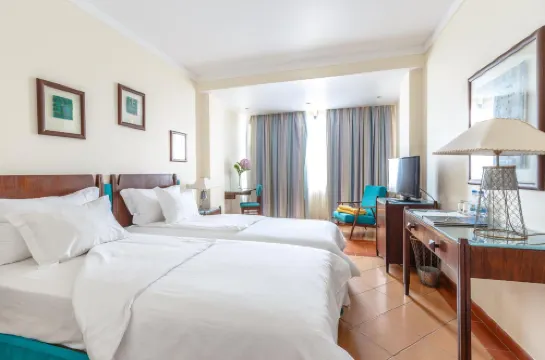





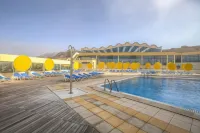
99+
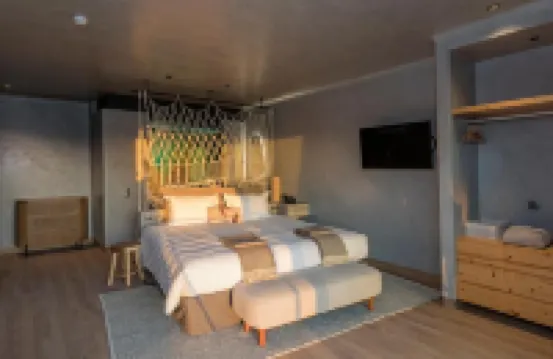
Hotels in A dos Cunhados,Torres Vedras
Featured facilities: Public Beach, Swimming Pool
Very Good
69 reviews
8.9/10
1 night
From MXN$1,365

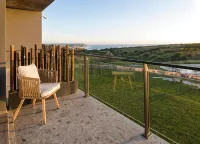
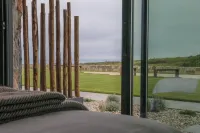



74
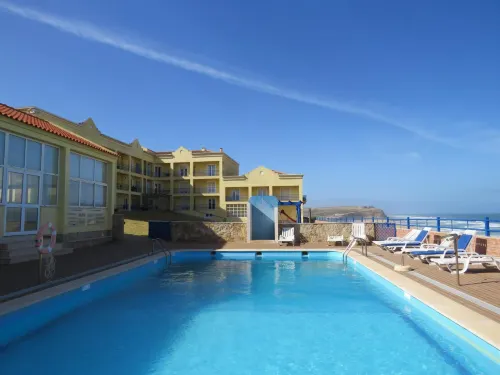
Hotels in Silveira,Torres Vedras
Featured facilities: Public Beach, Swimming Pool
Great
9.2/10
1 night
From MXN$16,425





99+
Hotels in Silveira,Torres Vedras
Featured facilities: Exclusive Beach Area, Swimming Pool
Very Good
709 reviews
8.5/10
1 night
From MXN$1,525





60
Hotels in Silveira,Torres Vedras
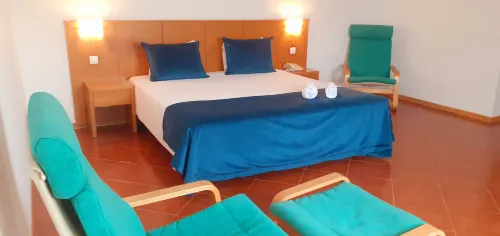
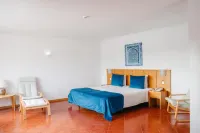
Situated in Santa Cruz, this hotel is only a 3-minute walk from Santa Cruz Beach. It offers air-conditioned guestrooms with balconies. Free public parking is possible on site.
Rooms at Hotel Santa Cruz have terracotta floors and simple wood furnishings. They have a private bathroom and come equipped with a telephone and satellite TV.
In the morning, the hotel serves a buffet breakfast with fresh pastries and fruit juice. Several restaurants serving international cuisine are less than a 5-minute walk away.
Nearby leisure activities include golf, surfing, cycling, mountain biking, fishing and hiking, among others. The hotel offers a car hire service and has a 24-hour front desk.
Good
18 reviews
7.8/10
1 night
From MXN$1,570






99+
Great
46 reviews
9.3/10
1 night
From MXN$7,575






99+
Hotels in A dos Cunhados,Torres Vedras
Featured facilities: Exclusive Beach Area, Swimming Pool, Surfing
Great
110 reviews
9.2/10
1 night
From MXN$1,473







28
Great
40 reviews
9.2/10
1 night
From MXN$4,854




95
Hotels in Silveira,Torres Vedras
Featured facilities: Public Beach
Very Good
4 reviews
8.3/10
1 night
From MXN$552
Frequently Asked Questions
What are the best hotels for families in Torres Vedras?
Hotel Golf Mar (from MXN$1,214), Areias do Seixo Villas (from MXN$8,001) and Promar - Eco Beach & Spa Hotel (from MXN$1,446) are popular hotels for family travel. Book now from Trip.com and enjoy your time with families!
What are available deals for hotels in Torres Vedras?
There are multiple promotions and discounts all year round for Trip.com users . Please check the promotions page to see what promotions are available now on Trip.com.
Which pet-friendly hotels in Torres Vedras are recommended?
Areias do Seixo Villas (from MXN$8,001), Dolce by Wyndham CampoReal Lisboa (from MXN$3,216) and Noah Surf House Portugal (from MXN$5,244) are popular pet-friendly hotels. Take your pets with you during traveling.
Which hotels in Torres Vedras are best to enjoy ocean?
For hotels in Torres Vedras, Hotel Golf Mar (from MXN$1,214), Areias do Seixo Villas (from MXN$8,001) and Promar - Eco Beach & Spa Hotel (from MXN$1,446) are good choices for ocean views.
Keep Exploring
Accommodation types
Ocean View Hotels in Torres VedrasHotels with spa in Torres VedrasFamily Friendly Hotels in Torres VedrasBeach Hotels in Torres VedrasHotels with breakfast in Torres VedrasHotels with Hot Tub in Torres VedrasHotels with Pools in Torres VedrasHotels with Wifi in Torres VedrasTorres Vedras Homestays4-Star Hotels in Torres Vedras3-Star Hotels in Torres VedrasHotels with bar in Torres VedrasBoutique Hotels in Torres VedrasHotels with parking in Torres VedrasHotels with balcony in Torres Vedras